
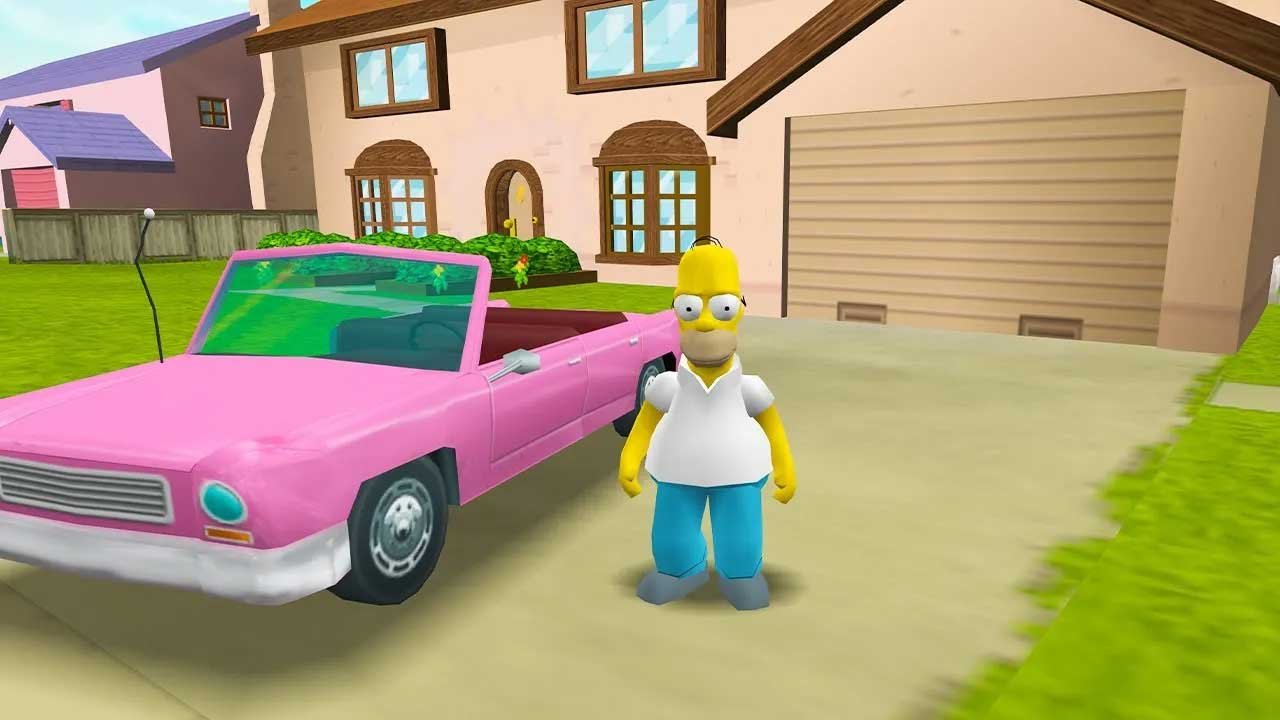
Simpsons fans have something major to celebrate. The legendary 2003 action-adventure classic The Simpsons: Hit & Run can now be experienced directly inside a modern web browser, thanks to a impressive WebAssembly (WASM) community port.
What Makes This Web Port Special
- Zero Installation: Play immediately without downloading heavy installers or setup files.
- Full PC Performance: Native keyboard controls and smooth frame rates running client-side.
- Skip Intro Cutscenes: Direct jump into the Springfield action using customized parameters.
How to Start Playing
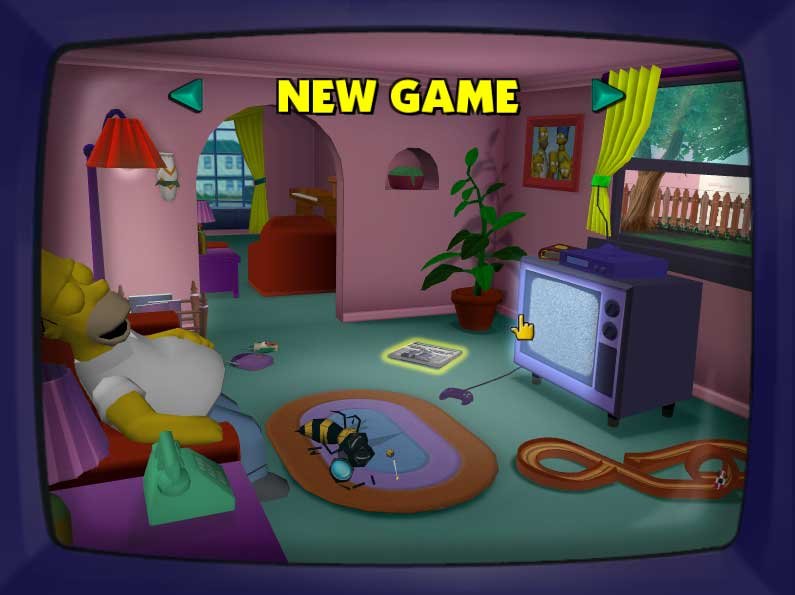
- Click the game preview banner below to open the playable web instance in a new tab.
- Allow the assets to unpack in your browser cache (takes under 30 seconds on fast connections).
- Connect a USB gamepad or use standard WASD / Arrow Keys to start driving through Springfield.



Pingback: Half-Life 2 in Your Browser: How to Access and Play for Free