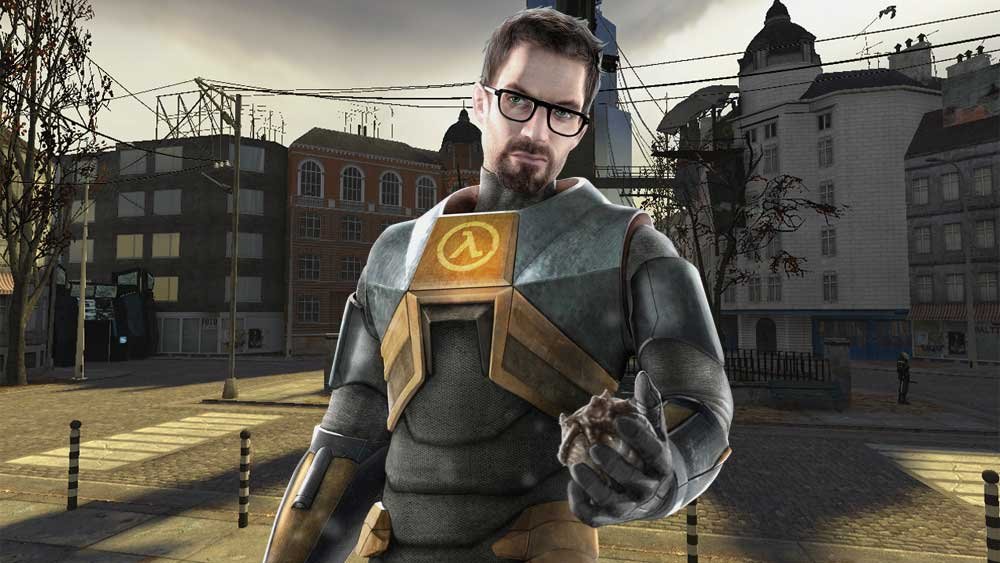
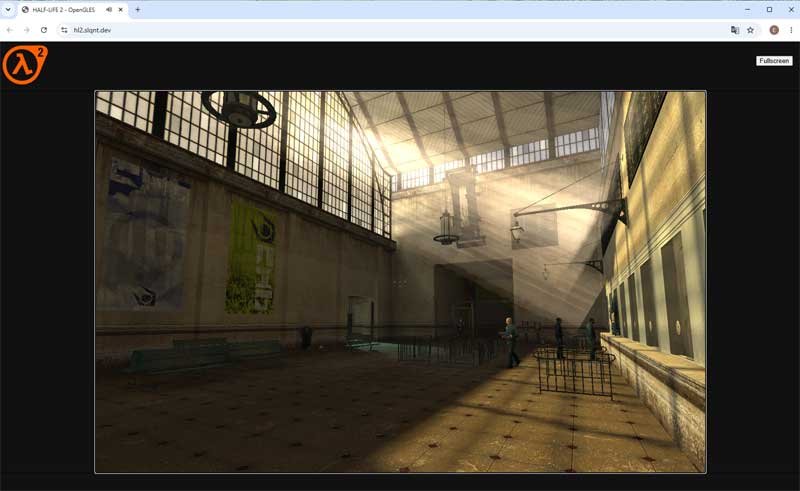
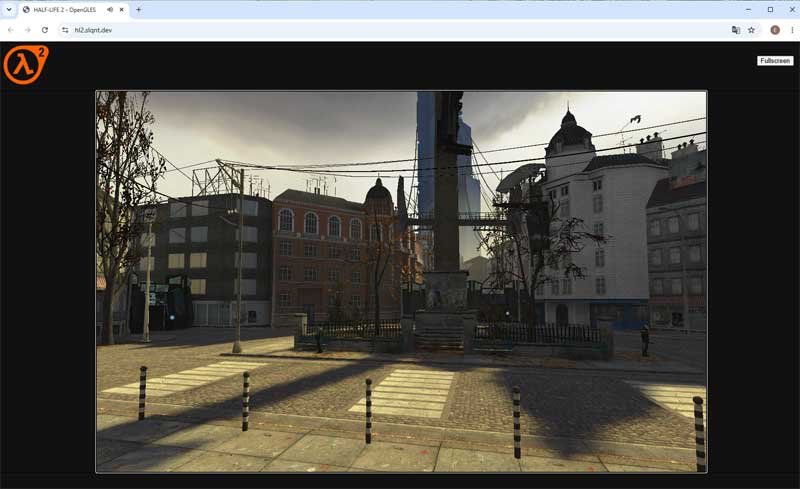
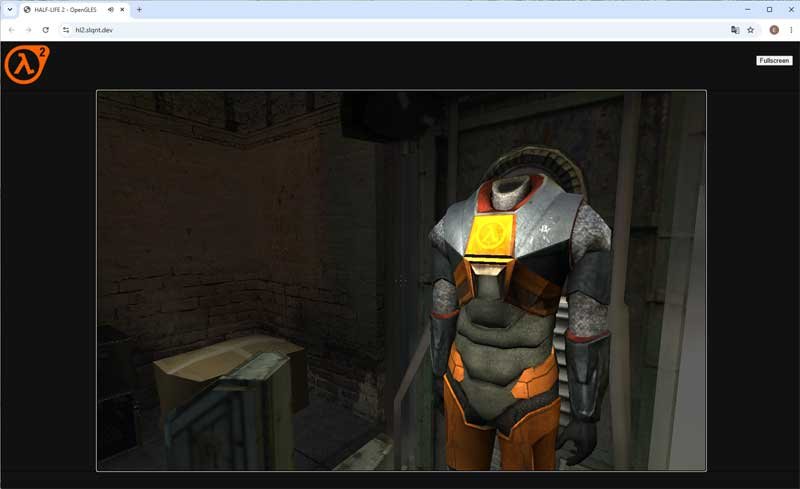
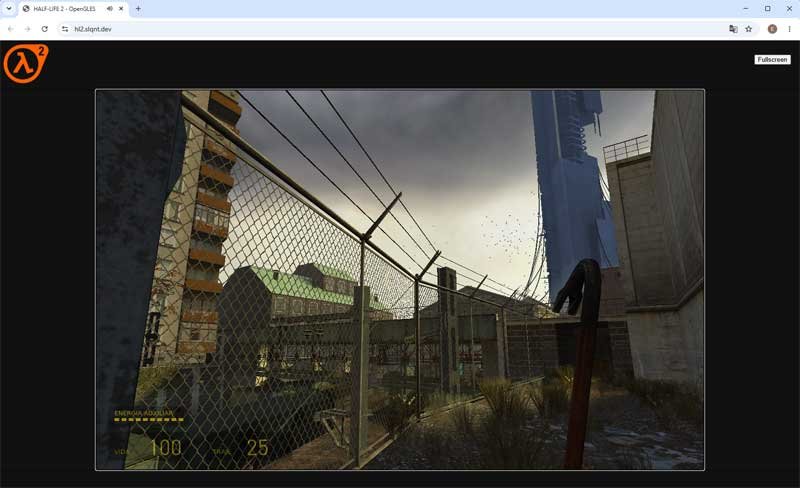
The legendary Half-Life 2 has received an impressive unofficial port that runs directly in your web browser! Developed by modders slqnt and 98006 using WebGL 2 technology, this project is not a cloud streaming service (like GeForce NOW): the game is rendered locally by your own computer’s hardware.
Gear Up for City 17
- Gaming Mouse: [Upgrade your precision with top gaming mice on Amazon]
- Mechanical Keyboard: [Check out high-performance mechanical keyboards on Amazon]
If you want to relive City 17 and follow Gordon Freeman without downloading gigabytes on Steam, check out the step-by-step guide to access the experience.
Quick Project Overview
| Feature | Details |
| Game | Half-Life 2 (Browser Port) |
| Platform | PC / WebGL 2 Browsers (Chrome, Edge, Firefox, Brave, Opera) |
| Technology | Local rendering via WebGL 2 and JavaScript |
| Initial Size | ~12 MB (downloads additional maps to cache) |
| Price | 100% Free |
Step-by-Step: How to Access and Play Half-Life 2 in Your Browser
To run the game smoothly, make sure your preferred web browser is up to date and hardware acceleration is enabled.
- Access the Official Project Site: Open your browser and go to the Half-Life 2 Port address (CLICK HERE).
- Allow Persistent Storage: Once the page loads, a prompt will ask for local storage permission. Click Accept, as the project downloads roughly 12 MB of core files and caches new maps locally as you progress.
- Adjust Gameplay Controls (Crucial Tip): Since the default crouch key (Ctrl) triggers browser shortcuts (like saving the page), the developers remapped Crouch to the C key.
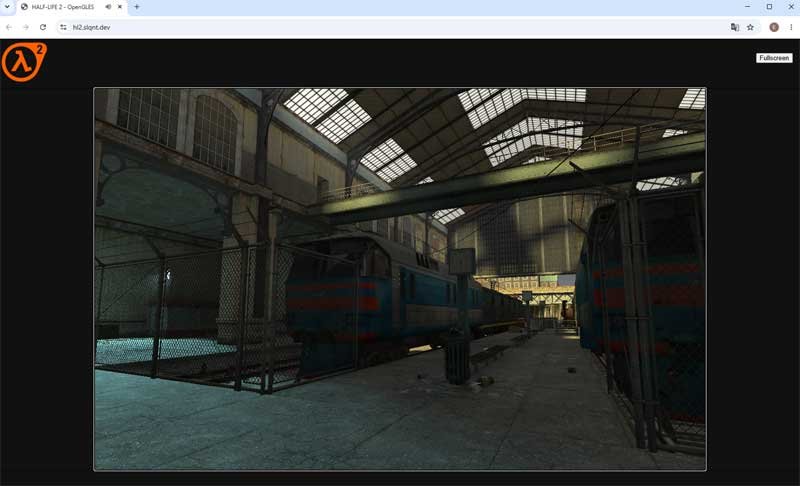
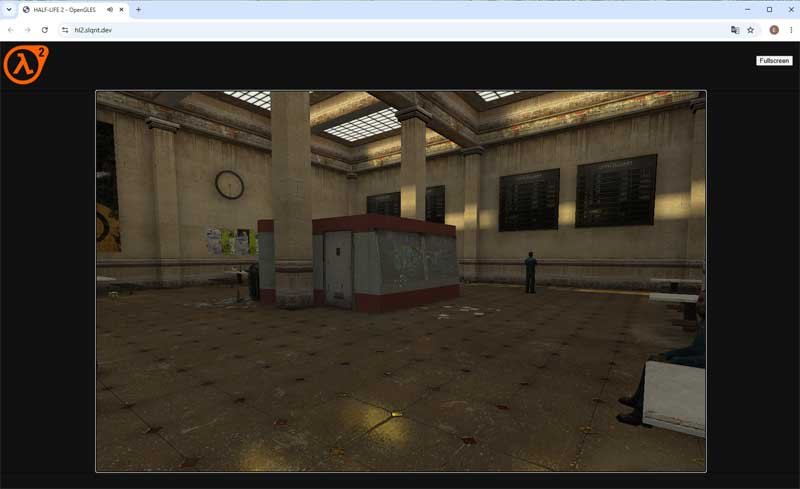
Important Warnings and Recommendations
Since this is an experimental project in its testing phase, keep these performance details in mind:
- Graphics and Audio Limitations: NPC facial animations have been temporarily disabled to prevent crashes on low-end PCs (some characters may display visual glitches around their eyes). Audio may also experience occasional minor stutters.
- Copyright Risk: Because the project lacks official authorization or licensing from Valve, there is a high chance the page could be taken down due to copyright claims at any moment.
💡 Enjoy it while it lasts! Jump in right now to test what modern browsers can do running one of the greatest classics in gaming history.