
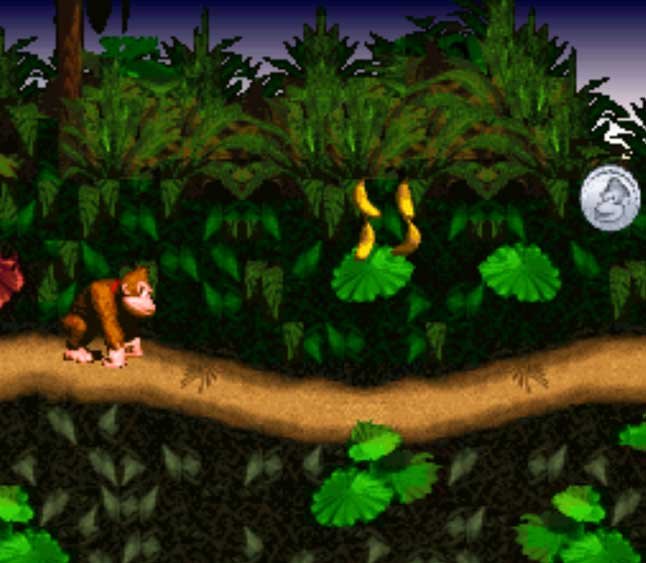
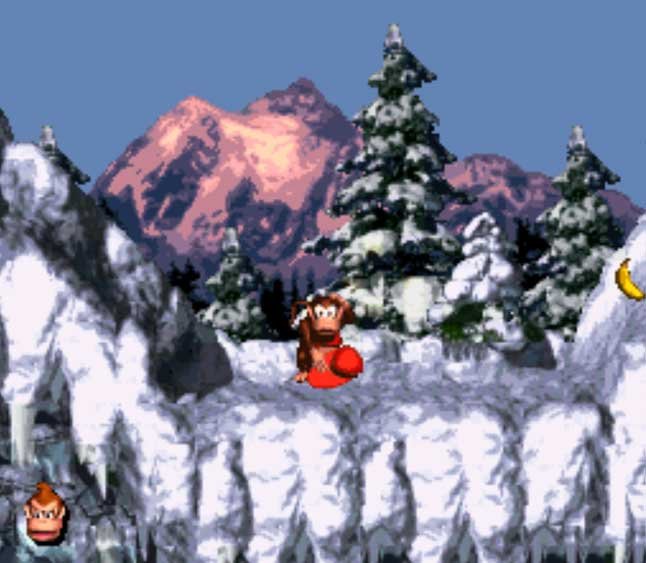
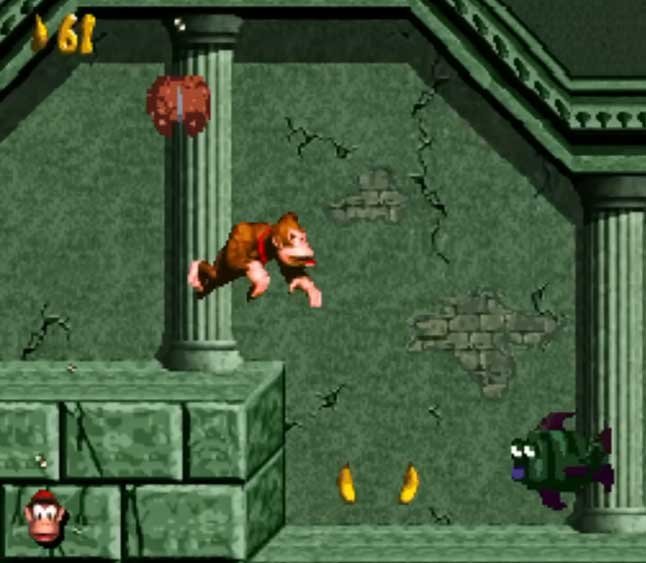
The Donkey Kong Land Remake, developed by modder Kasquez in the Unity engine, is a standalone fan project built from the ground up for PC. It recreates the monochromatic levels from the classic 1995 Game Boy title using colorful 16-bit graphics, physics, and the iconic soundtrack established on the Super Nintendo.
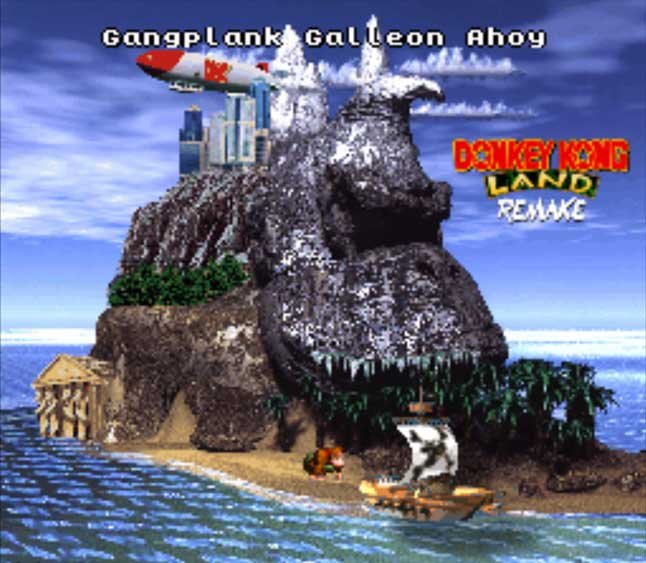
Since all necessary executable files are included out of the box, the project requires no emulators or console ROM extractions.
Prerequisites
Before getting started, make sure you have:
- Operating System: Desktop PC or laptop running Windows 7, 10, or 11.
- File Archiver: A utility tool such as WinRAR or 7-Zip.
- Controller (Optional): A USB or Bluetooth gamepad (recommended for optimal platforming precision).
Compatibility Tip: If the game fails to recognize your controller automatically, launch Steam, click “Add a Game” > “Add a Non-Steam Game…” in the bottom-left corner, select
DKL_Remake.exe, and boot the title directly through your Steam Library. This will force Steam’s native controller input wrapper.
Step-by-Step Installation & Setup
Step 1: Download Official Project Files
- Access YouTube and search for the author’s official video: “Donkey Kong Land Remake Release Trailer” (published by the channel Kasquez).
- Expand the video description box or check the pinned comment section.
- Click the official download link provided directly by the developer (typically hosted via Google Drive or Mega).
- Download the compressed archive (
.zipor.rar).
Step 2: Extracting Project Files
- Navigate to your local downloads folder and locate the downloaded archive.
- Create a new folder at your preferred directory path (e.g.,
C:\Games\DKL Remake). - Transfer the
.zipor.rararchive into this newly created folder. - Right-click the file and select “Extract Here” using your preferred archive tool.
Step 3: Launching the Game
- Locate the primary executable file named
DKL_Remake.exewithin the extracted folder. - Double-click the executable to launch the game.
- The application will boot directly in a native Windows environment with zero complex installation routines required.
Controller Setup (Keyboard or Gamepad)
By default, the layout maps to standard keyboard keys. To configure an Xbox, PlayStation, or generic USB controller:
- Navigate to Options > Controls from the main menu.
- Select the button remapping setting (Remap).
- Press the corresponding button on your controller for each displayed action (Jump, Run, Tag/Swap Character).
⚠️ Important Notice (Legal Disclaimer): This guide is strictly intended for educational and fan-project promotional purposes. We do not encourage or condone copyright infringement. The featured software is a non-profit fan creation. We do not host, sell, or distribute copyrighted materials.