
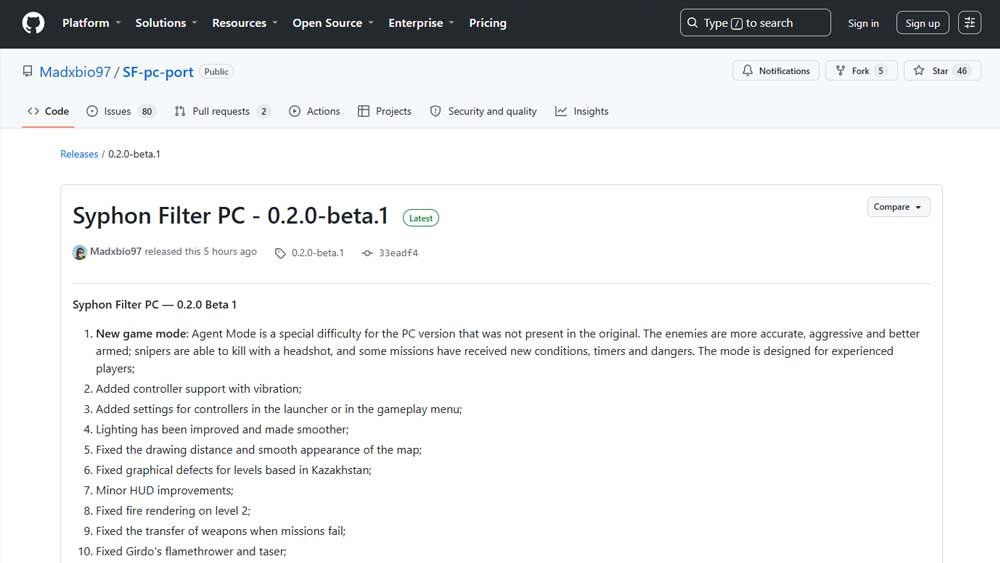
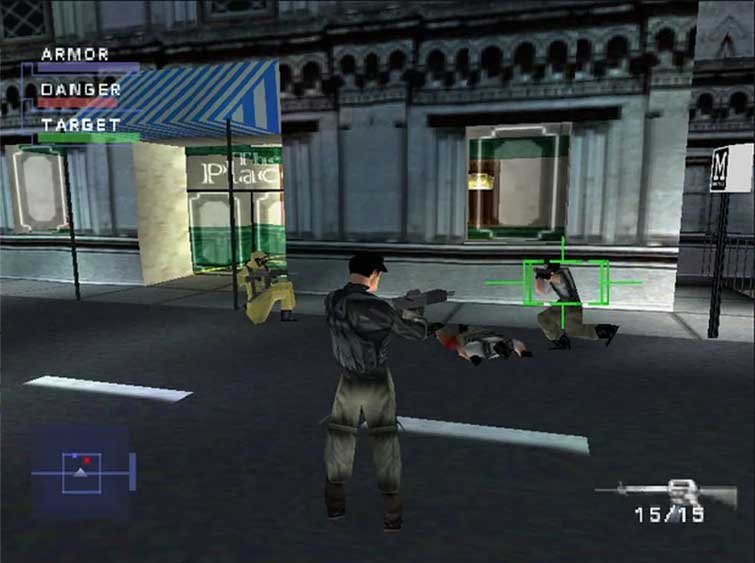
Gabe Logan is officially back on PC, and it isn’t through standard emulation. According to details recently published by developer Madxbio97 on the project’s official GitHub repository, the PlayStation 1 classic Syphon Filter has received a fully native Windows executable (Windows PC runtime).
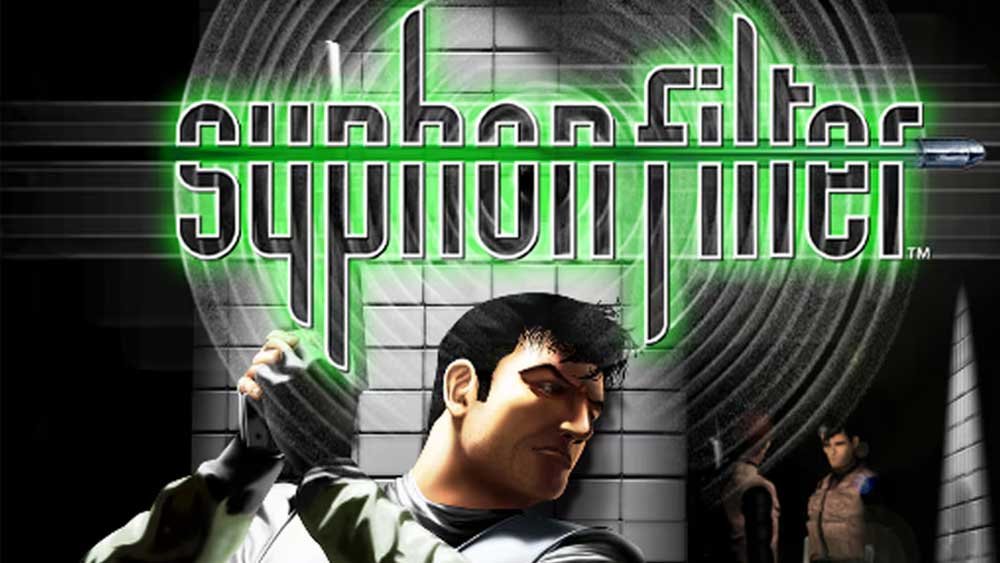
The concept mirrors legendary community projects like Super Mario 64 and The Legend of Zelda: Ocarina of Time: instead of emulating the Sony console’s full hardware stack, the app runs the original R3000A CPU gameplay scripts and logic alongside a native Windows runtime that handles audio, input, rendering, and FMV video playback.
The result is an ultra-fluid experience that eliminates input lag and bypasses the hassle of configuring heavy emulators.
Key Features of the PC Port
The port delivers the full 20-mission single-player campaign, complete with working checkpoints and save systems. Integrated visual and performance enhancements include:
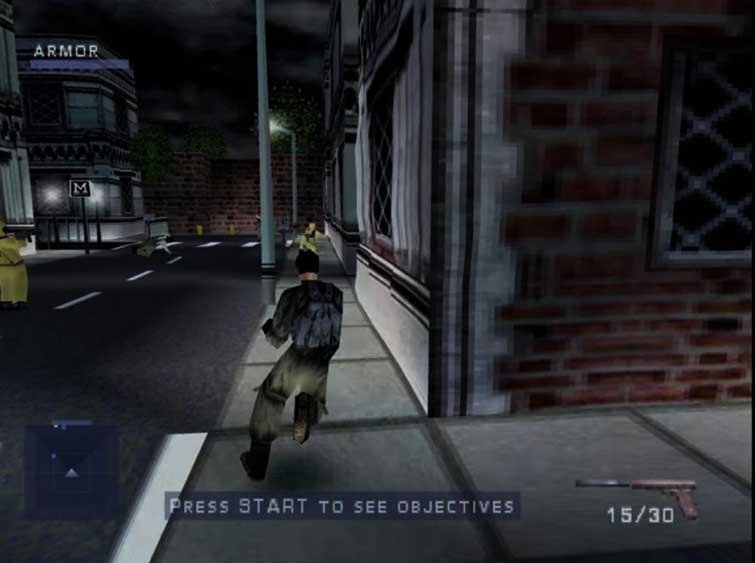
- Modernized Visuals: Native support for arbitrary internal resolutions, flexible aspect ratios (original 4:3 or adaptive widescreen), anti-aliasing (MSAA/SMAA), anisotropic filtering, and PGXP geometry correction to eliminate classic PS1 polygon wobble.
- Advanced Dynamic Lighting: Muzzle flashes, explosions, environmental lamps, flashlights, and police sirens project real-time dynamic light onto terrain and characters, supported by real-time directional shadow mapping for Gabe, allies, and enemies.
- Modern Control Options: Rebindable native support for modern gamepads along with full keyboard and mouse functionality.
- Audio & Video Processing: Native audio playback via OpenAL paired with direct FFmpeg video decoding for in-game cutscenes (.STR files).
- Language & Localization: English launcher with support for a custom text localization pack (Russian) featuring era-accurate fonts, while maintaining original English voice acting and cutscene audio.
How to Download and Setup (Quick Guide)
Note: The repository does not contain the game files or copyrighted assets. This fan project is not affiliated with or endorsed by Sony Interactive Entertainment.
To play, you will need an original disc image in BIN/CUE format from the North American release (NTSC-U v1.1 / SCUS-94240). The executable verifies the file via its SHA-256 hash and will reject other revisions or modified ROMs.
Step-by-Step Installation:
Run the Game: Launch the Windows executable—the runtime will automatically parse the disc assets, configure audio/video hooks, and launch the game natively.
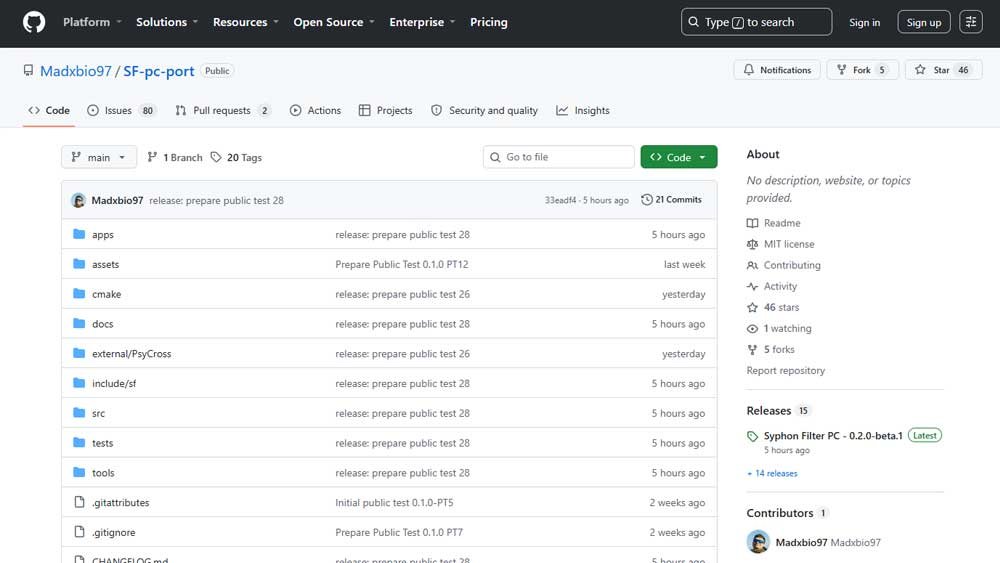
Get the Executable: Download the latest compiled release build from the official GitHub repository.
Prepare the Disc Image: Place your clean SCUS-94240 BIN/CUE files directly into the executable directory.
Step-by-Step Guide:
- Download the Release: Go to the official GitHub releases page (Release 0.2.0-beta.1) and download the
SyphonFilterPC-<version>-win64.ziparchive. - Extract Files: Unpack the contents of the
.zipfile into your preferred folder. - Place Disc Image: Ensure your compatible
.BINand.CUEfiles are placed in that same folder with their original filenames unchanged. - Launch Executable: Open
syphon_filter.exe. - Configure and Deploy: In the launcher window, click BROWSE, select your game’s
.CUEfile, configure your graphics and control bindings, and click DEPLOY.
Save File Location: Your save files and launcher settings are saved locally on your system at %LOCALAPPDATA%\SyphonFilterPC.
Classic PS1 Cheat Codes
The iconic pause-menu button combinations from the original PlayStation release function perfectly in this native PC port.
For players who prefer to unlock all missions and enable cheats without entering button combinations manually, simply create an empty text file named syphon_filter_cheats (without any file extension) in the same directory as syphon_filter.exe. The runtime will detect the file and automatically grant full access to the mission select menu and cheat options.
Current Project Status & Community Collaboration
The project is currently categorized as an open public test (Public Test / Beta 0.2.0). The official SF-pc-port repository on GitHub makes its complete source code available under the open-source MIT License.
Developers interested in tracking down remaining bugs, optimizing performance, or building custom builds can compile the source code directly using CMake and Visual Studio.