
The native PC port of Crash Bandicoot 1 via static recompilation represents a significant milestone for PlayStation 1 classic preservation. Powered by the CrashBandicoot-Launcher (developed by Matteo842) and RecompOne technology, the project converts the original console machine code directly into a native Windows executable, eliminating the need for traditional emulators.
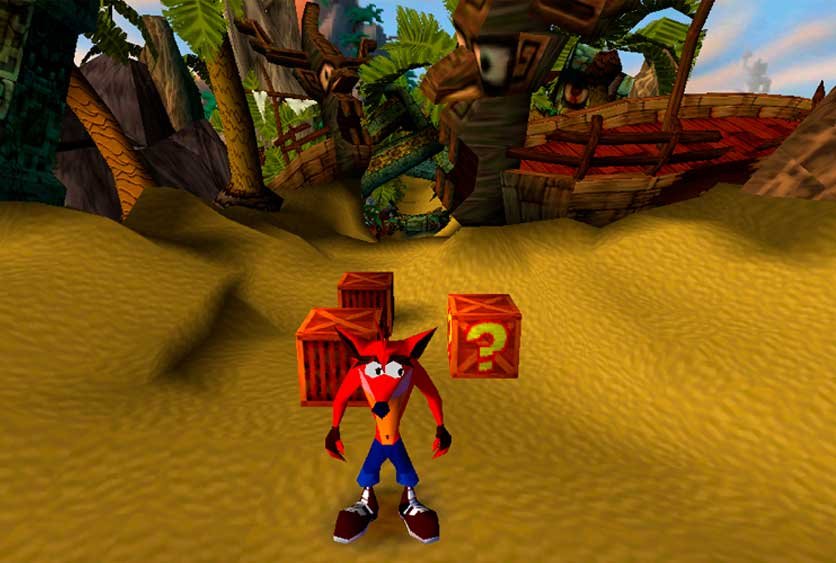
The result is a smooth experience with immediate control response and access to modern enhancements, such as ultrawide resolution support and near-instant load times.
Prerequisites for Installation
Before starting the setup, ensure you have the following items:
- Original game image: The PlayStation 1 ROM/dump file must be in .CUE and .BIN format.
- Correct region: The software strictly requires the US version of the game (NTSC-U, identification code SCUS-94900). The process is not compatible with the European (PAL) or Japanese versions.
Step-by-Step Setup
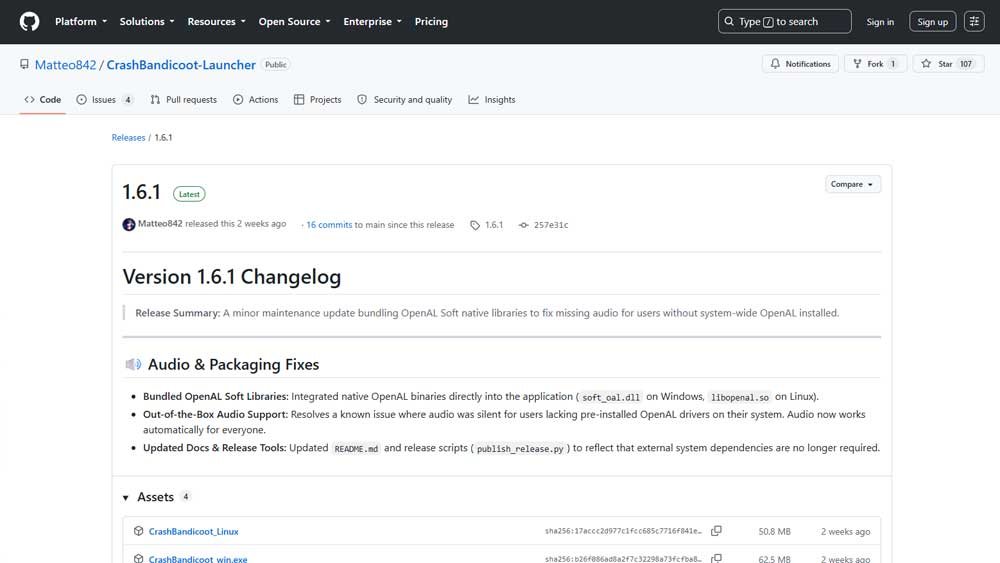
Step 1: Download the Official Launcher
- Access the official project repository on GitHub at Matteo842/CrashBandicoot-Launcher.
- In the right sidebar, navigate to the Releases section of CrashBandicoot-Launcher.
- Download the latest executable file (for example,
CrashBandicoot.exe). - Create a dedicated folder on your storage (example:
C:\Games\CrashPC) and move the downloaded file into that folder.
Step 2: Prepare and Run the Game
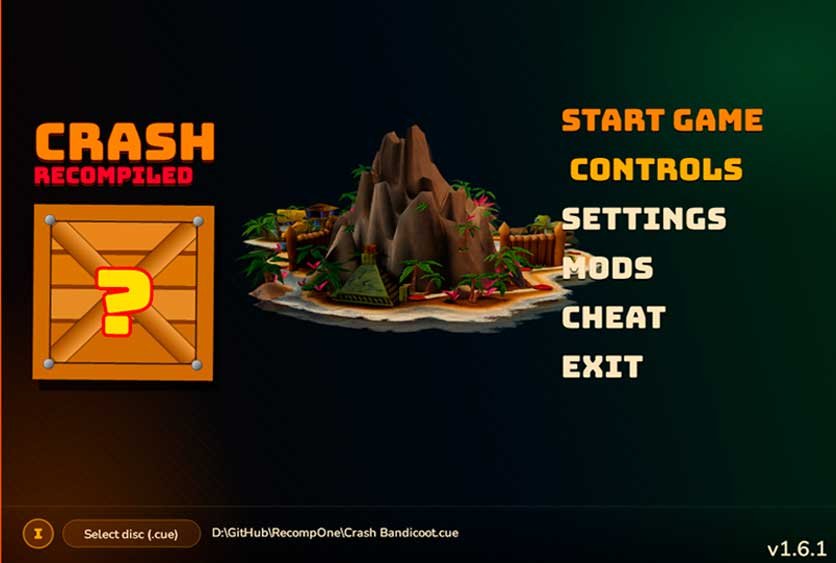
- Run the
CrashBandicoot.exefile. - In the application interface, click the Select Disc button.
- Locate and select the .cue file corresponding to your copy of Crash Bandicoot 1.
- Click Start Game to complete the recompilation and launch the game.
Extra Features and Enhancements
Running natively in a Windows environment unlocks several technical and customization features:
- Widescreen Support: Native adaptation for modern 16:9 aspect ratios, expanding the field of view without distorting the image.
- Control Mapping: Native input support for keyboards and direct compatibility with USB or Bluetooth gamepads (Xbox, PlayStation, and generic controllers).
- Graphics Filters and Mods: Integrated menu to toggle visual filters and apply community-developed modifications (such as the auto-spin mod).
Important Note (Legal Disclaimer): This tutorial is strictly for educational and historical preservation purposes. We do not encourage or support piracy. To use this port, you must own a legal copy of the original game and dump the image file directly from your own PlayStation 1 disc. We do not provide or distribute download links for ROM files, disc images (.CUE/.BIN), or any copyrighted content.