
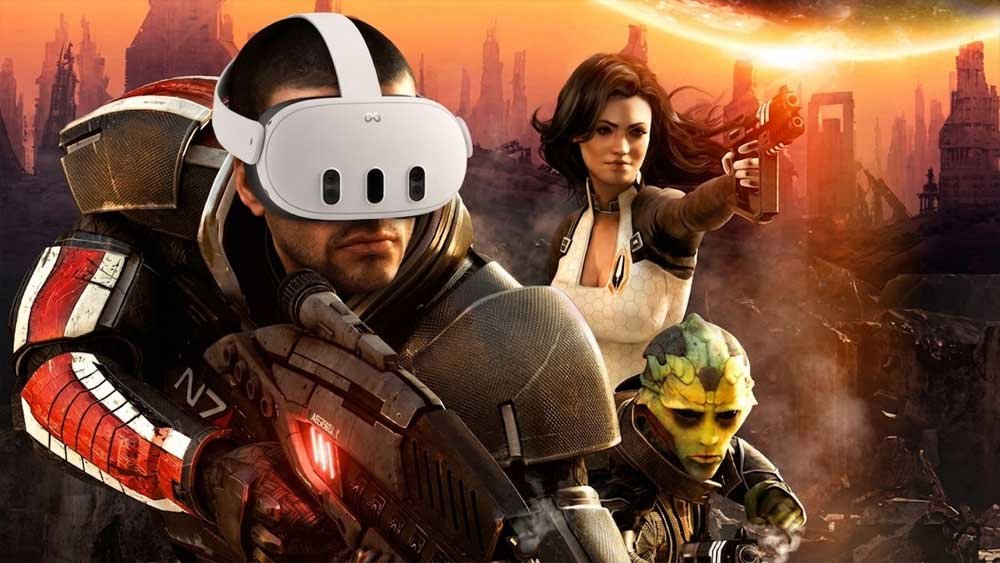
“Human, you’ve changed nothing…” If you thought the Mass Effect trilogy had already given you everything it could, the modding community just proved otherwise.
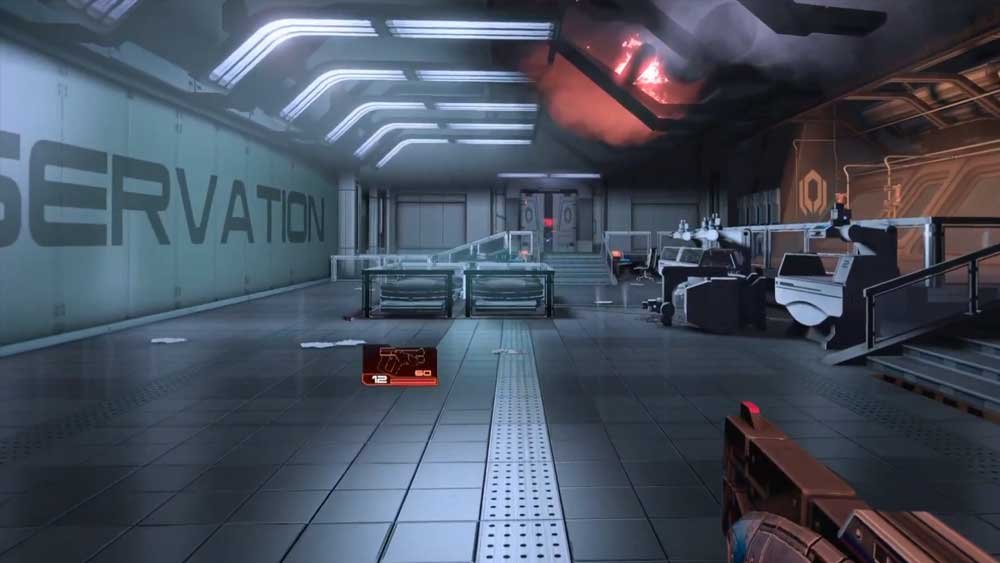
Thanks to the incredible work of modder Marauder/Halcyon, the iconic sequel is now fully playable in VR with full 6DOF tracking, real stereo depth, and cutscenes completely adapted for virtual reality. The project is 100% free (with free updates guaranteed) and places you face-to-face with the Normandy, the Citadel, Omega, and the legendary Suicide Mission.
Mass Effect 2 in VR for free? Modder Marauder/Halcyon released the definitive mod featuring 6DOF and adapted cutscenes.
Since the mod was built with a community-first focus, the setup process is straight to the point. Below is the definitive installation and fine-tuning guide.
🛠️ Step-by-Step: VR Mod Installation
1. Downloads & File Preparation
- Download the mod for free on Dhalcyon’s Patreon page (no subscription required).
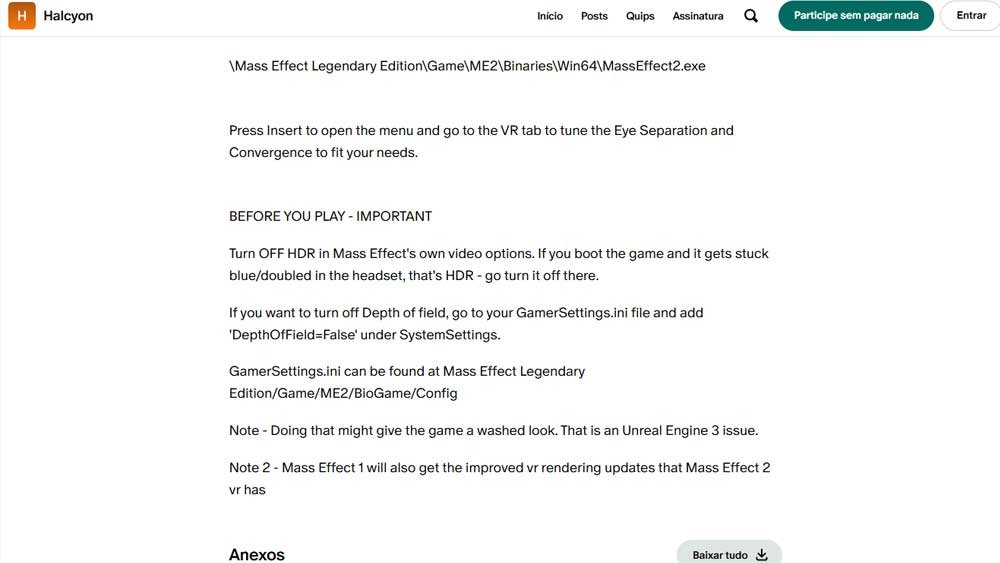
- Copy and paste the extracted files directly into the game’s executable directory:
\Mass Effect Legendary Edition\Game\ME2\Binaries\Win64\(right next to theMassEffect2.exefile).
2. In-Game Fine-Tuning
The mod features 3 VR rendering modes (Stereo, AER, and DIBR) along with first-person camera support (though keep in mind that since the base game was designed in third-person, core mechanics remain third-person oriented).
- Launch the game and press the Insert key to open the mod menu.
- Navigate to the VR tab.
- Adjust the Eye Separation and Convergence sliders until you achieve optimal visual comfort for your headset.
CRITICAL SETTINGS (READ BEFORE PLAYING)
To prevent visual bugs or frozen displays, apply the following adjustments to your game:
- DISABLE HDR (Mandatory): Access Mass Effect 2’s native video options and turn off HDR. If the game launches with a duplicated image or freezes on a blue tint in your headset, HDR is the culprit.
- Disable Depth of Field (Optional): If the depth-of-field effect causes discomfort, navigate to
Mass Effect Legendary Edition/Game/ME2/BioGame/Config, open theGamerSettings.inifile, and add the following line under the[SystemSettings]section:
Ini, TOML
DepthOfField=False
Note: Disabling DOF may cause the image to look slightly washed out due to a limitation in Unreal Engine 3.
📌 Extra Note: If you enjoyed this VR experience, the rendering improvements developed for this Mass Effect 2 mod will be released in a future update for the original Mass Effect VR mod.