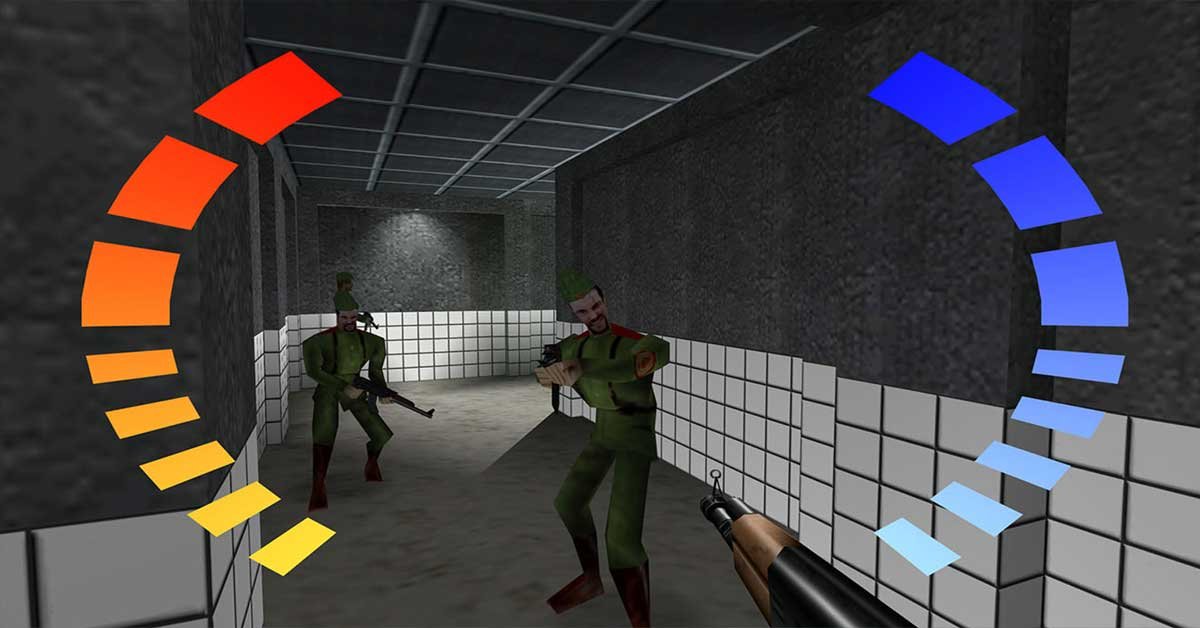
For those who lived through the golden era of the Nintendo 64, GoldenEye 007 isn’t just a game; it is the definitive milestone that shaped how console first-person shooters would be played forever. For years, the gaming community dreamed of the legendary canceled Xbox 360 remaster, known as Project Bean. Now, that dream has not only become a reality, but it has exceeded all expectations: the game has received a native Windows executable port, completely eliminating any reliance on emulators.
This static recompilation project is far more than mere emulation; it is the original Xbox 360 source code translated to run fluidly and natively on modern PCs.
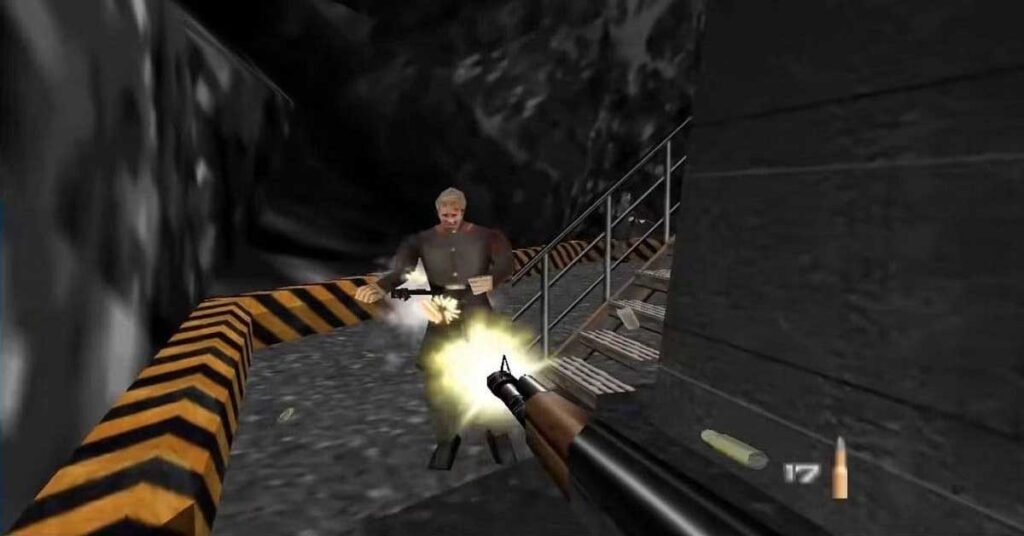
Why GoldenEye 360 Recomp Is a Game-Changer
The shift from a leaked console build to a native PC executable brings transformative upgrades over the original release:
- Uncompromising Performance: Say goodbye to past frame drops. The port delivers a locked 60 FPS, completely resolving the synchronization hitches that plagued the original Xbox 360 build.
- Integrated Online Multiplayer: The ultimate feature for the community. The game now includes native online multiplayer support, making host lobbies and matchmaking with friends effortless.
- The Best of Both Worlds: The instant toggle feature between classic N64 low-poly visuals and modernized textures remains completely intact with a single button press.
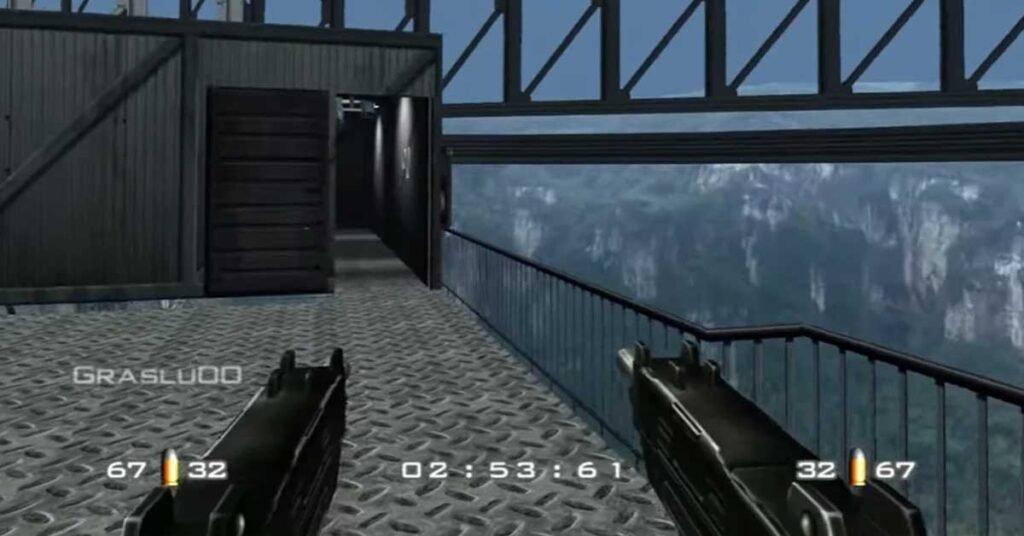
- Modern Quality-of-Life Features: Full support for widescreen resolutions, modern aspect ratios, and customizable dual-analog or mouse-and-keyboard control mapping.
Step-by-Step Guide: How to Install and Play
The project operates under a responsible preservation framework. Due to ongoing copyright considerations involving Microsoft, Nintendo, and the James Bond franchise rights holders, the developers do not distribute the full game files directly. Follow the step-by-step setup guide below to build your environment:
1. Download the Recompiler
The conversion source code is publicly accessible on GitHub. Head to the official repository at [https://github.com/SunJaycy/GoldenEye-Recomp], navigate to the Releases tab, and download the latest version of the executable builder.
2. Source the Game Assets
Because the repository does not contain proprietary game files, you must provide your own copy of the original Xbox 360 GoldenEye 007 retail build files (the unreleased XBLA version that leaked online).
3. Complete the Native Installation
- Extract the downloaded GitHub release files into a dedicated folder on your system.
- Locate the
assetsfolder inside the project directory. - Copy your original Xbox 360 build files directly into this
assetsdirectory. - Run the main compilation executable as specified in the project’s
README.mdfile to generate your standalone native PC client.
Once complete, you will have a lightweight .exe file ready to launch instantly—no complex BIOS setups, no emulator overhead, and no configuration headaches. It is, from a technical perspective, the definitive way to experience one of the most important first-person shooters in gaming history. The video game preservation scene has officially raised the bar once again.