
Buy Your Xbox Series X 25th Anniversary Controller on Amazon
Here is a guide on how to secure your pre-order for the Xbox Series X 25th Anniversary Edition (X25), focusing on practical tips to beat scalpers and navigate the limited drop.
How to Secure an Xbox Series X 25th Anniversary Pre-Order
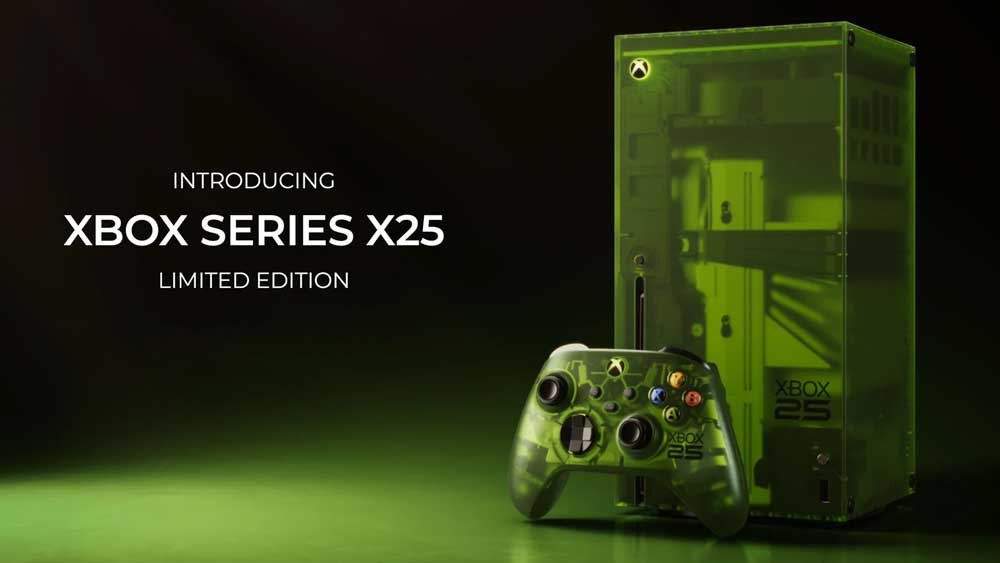
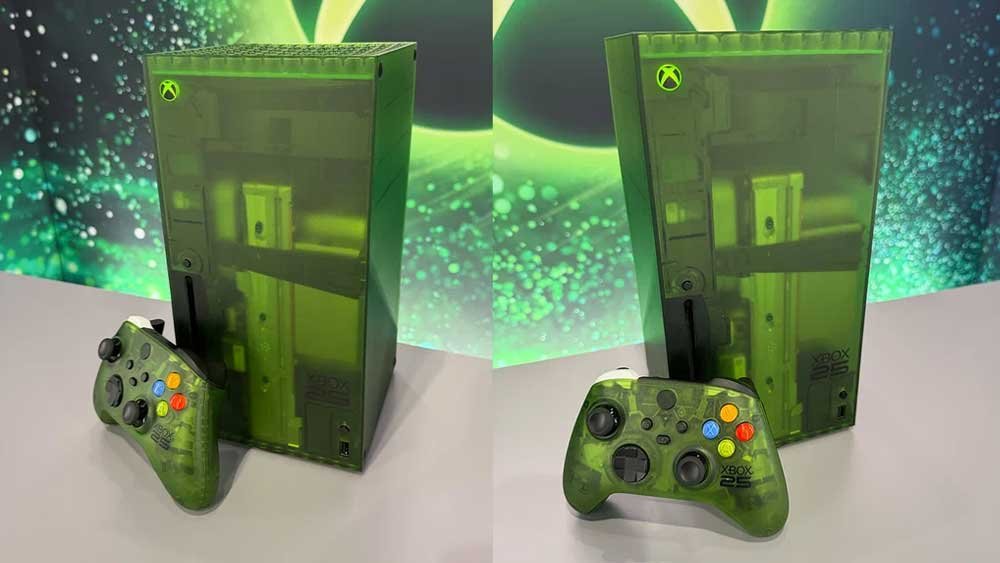
Securing a heavily limited collector’s item like the translucent green X25 console ($899.99) requires more than just luck. Because production is strictly capped at 25,000 individually numbered units worldwide, standard checkout methods usually fail.
1. Set Up Accounts and Payment Methods in Advance
Do not wait until the item is in your cart to create an account or input your credit card details.
- Pre-fill your shipping address, billing info, and phone number on major retailer accounts (Microsoft Store, Amazon, Best Buy, GameStop, Walmart).
- Turn on 1-Click purchasing or Express Checkout options where available to shave precious seconds off your transaction time.
2. Check Your Email for Direct Microsoft Invites
Microsoft has been rolling out exclusive early-access invitation links to long-time loyalists and high-tier Xbox/Gamerscore accounts.
- Check the primary email inbox linked to your main Microsoft/Xbox account.
- Look out for secondary folders like “Promotions” or “Spam”. If you received a personalized token link, it bypasses the public chaos entirely.
3. Leverage Stock Alerts and Direct Trackers
Since batches drop unpredictably and vanish within minutes, manual refreshing can sometimes leave you behind automated alerts.
- Follow reliable gaming deal and stock-tracking accounts on social media with notifications turned on.
- Keep tabs open for both the full console bundle and the standalone X25 wireless controller ($79.99) if you just want the aesthetic piece without paying the full collector’s price tag for the hardware.
4. Bypass Cart Errors Patiently
If a retailer’s site crashes or gives you a “payment error” during a high-traffic wave:
- Avoid closing the tab immediately if you are stuck in a queue or waiting room.
- Open an incognito window or use a secondary device as a backup, but keep the primary queue page active if it explicitly tells you not to refresh.